Write it down. Decide later.
Blob is where a thought goes first, before you know what it is. A line from a book, an idea in the middle of a podcast, something to look up later. No title, no folder, no "where does this go".
iPhone (iOS 26) · free during the beta · no account
The thought takes two seconds. Filing it takes longer.
Most note apps want a decision before they give you a cursor. Which notebook? What title? Is this a note or a task? By the time you've answered, the podcast has moved on and so has the thought.
So it ends up as a photo of a page, a message to yourself, or nowhere. Blob skips the filing. You can sort it out later, or never.
Open, type, done.
Tap + or pull the feed down and start writing. It saves as you go. There is no save button and nothing to name.
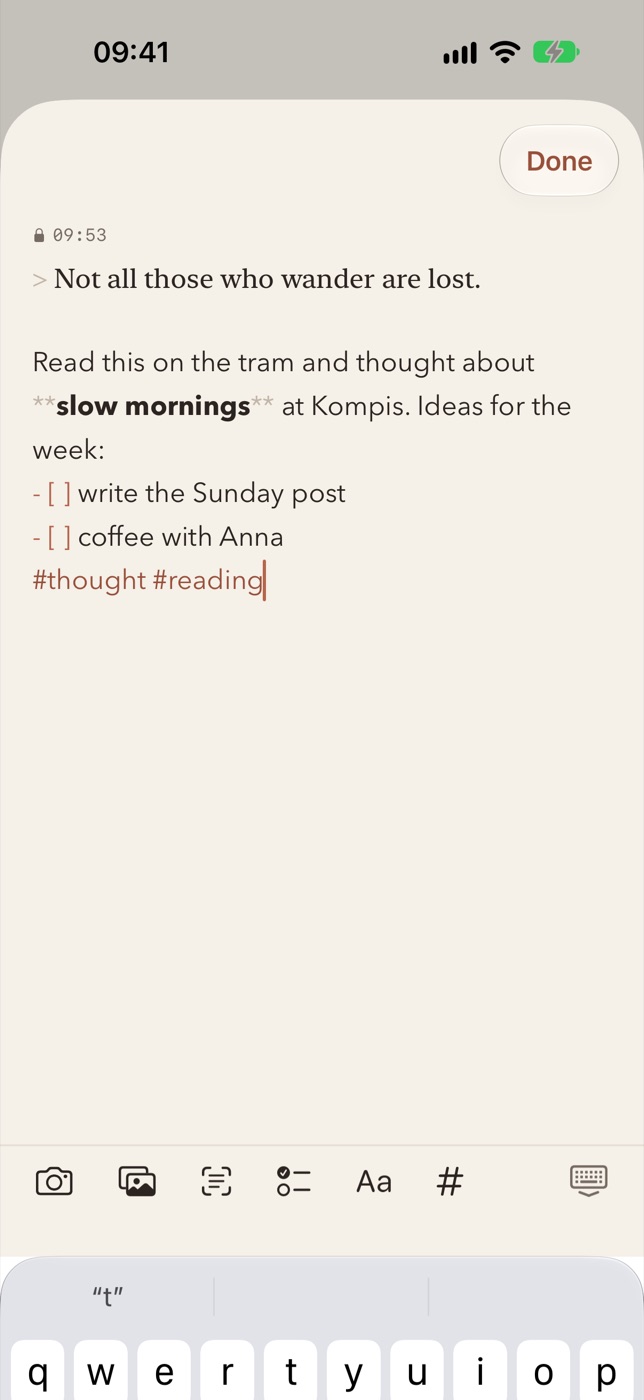
Markdown formats while you type. Checklists, photos, and a text scanner for book pages and Kindle screens are one tap away.
Try it in the box. Nothing you type leaves this page.
Time and place, on every note.
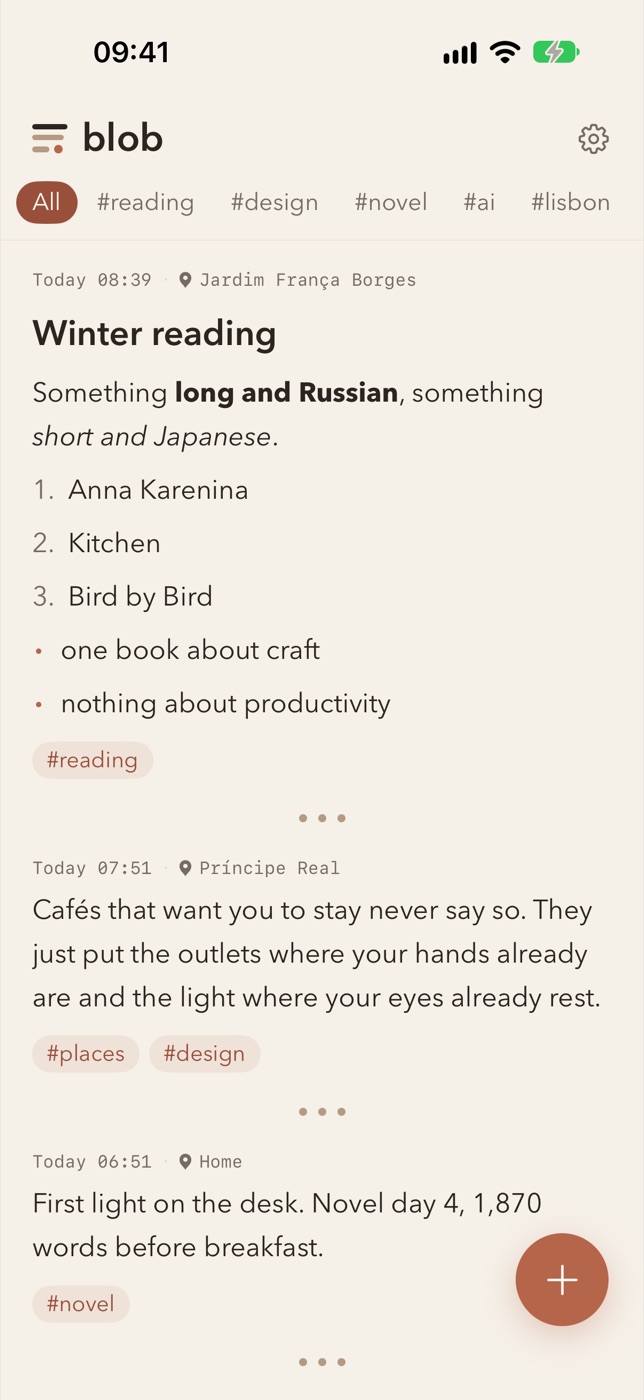
Each note keeps when and where you wrote it. Edit it later and that stays the same. Months on, you know it was a bench in Jardim França Borges at 08:12, which is usually enough to remember why.
The feed shows every note in full, so there is no tapping into things to see what they were. You scroll it like your photo album. It's slower than the other feeds, and you wrote all of it.
Clean Markdown out.
Blob doesn't need to be where your thoughts end up. Long-press a note, copy it as Markdown with or without the date and place, and paste it into a blog draft, a vault or an email. Or export everything as plain files.
Use Obsidian? Think of Blob as the place before it. Catch things on the phone, move what turns out to be worth keeping.
---
created: 2026-11-06T22:10
place: "Liljeholmen"
tags: ["reading", "novel"]
---

> The purpose of a storyteller is not
> to tell you how to think, but to give
> you questions to think upon.
> -- Brandon Sanderson, The Way of Kings

Relevant for the novel: don't explain
the mother. Let the reader sit with her.
People who read, listen and write.
Probably for you if
- Your camera roll is full of book pages you never look at again
- You pause podcasts to write something down, or keep meaning to
- You write a blog, a newsletter or essays and want the raw material in one place
- You use Obsidian or Markdown and find capture on the phone too slow
Probably not if you want
- A second brain or a knowledge base
- A task manager. There are checkboxes, but no due dates and no reminders
- A journal with streaks to keep up
- Android. It's iPhone only
No account. No ads. No Blob server.
Your notes stay on your phone and in your own iCloud. I couldn't read them if I wanted to.
What it looks like.
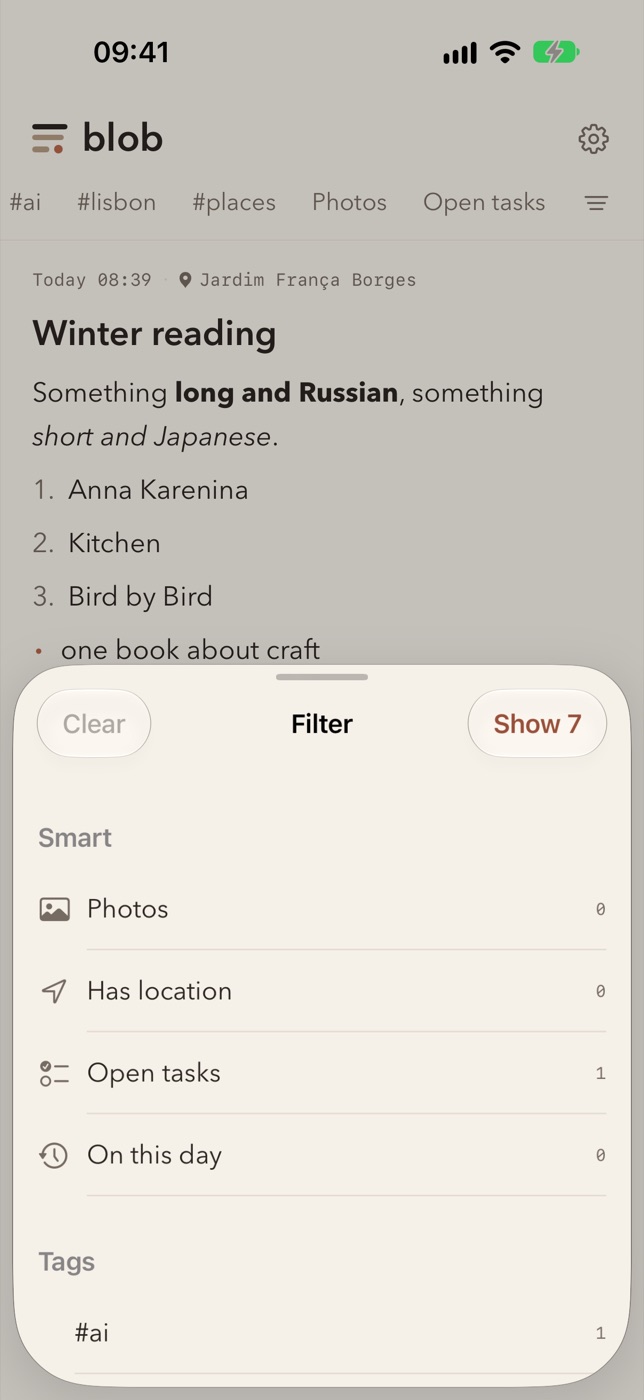
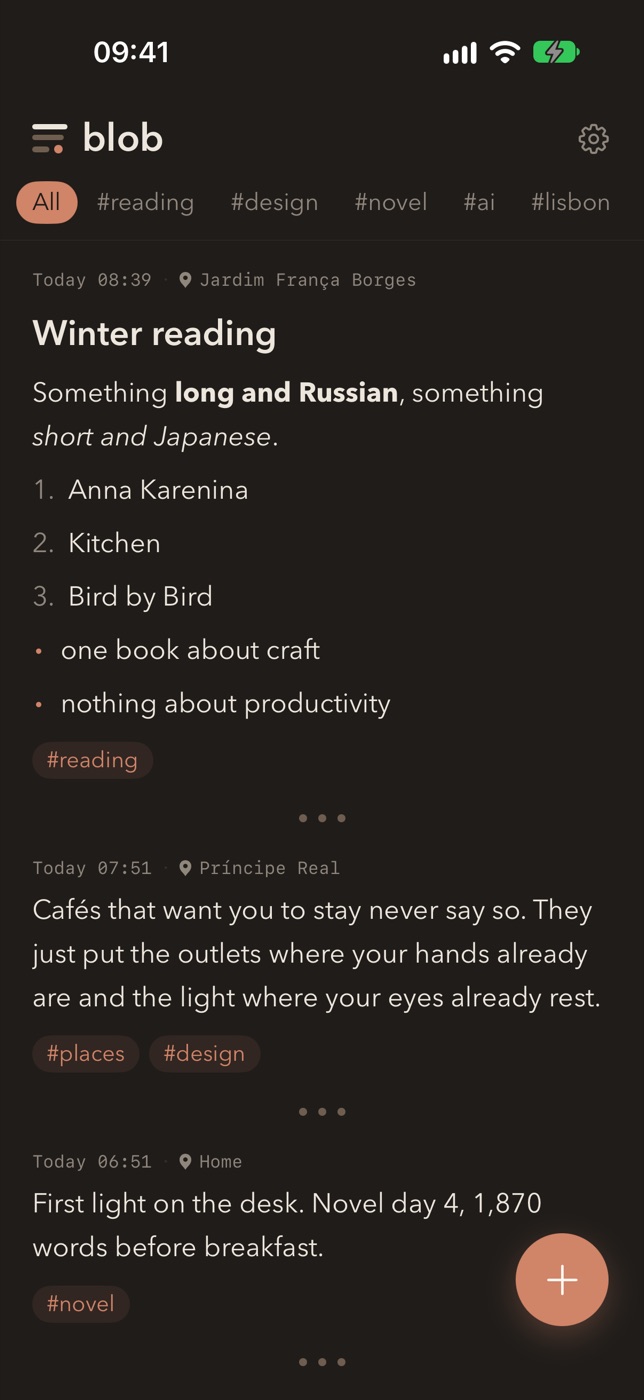
Warm paper, one accent colour, decent type. Follows your text size and dark mode.
Before you install.
What is TestFlight?
Apple's app for installing test versions. Open the beta link on your iPhone, install TestFlight if you don't have it, then install Blob. It takes about a minute.
What does it cost?
Nothing during the beta. I'll decide on pricing afterwards. Whatever happens, you can export all your notes as Markdown.
Which devices?
iPhone with iOS 26. A Mac version comes later.
How do I find an old note?
Tap a tag or a place to see everything with it. You can also filter on photos, open tasks, or on this day, which shows what you wrote on today's date in other years. There is no text search yet. It's high on the list.
What do you want from testers?
Use it for a few weeks and tell me what's missing or annoying. Write to hello@sannasays.com.
It's in beta.
If your camera roll is full of book pages, I probably made this for you. I use Blob every day, and I'm looking for a few people to do the same and tell me what's wrong with it.
Join the betaOpens TestFlight. On a computer? Open this page on your iPhone.
Questions or feedback: hello@sannasays.com